Working with your product
CPR: organise the construction-product documentation route
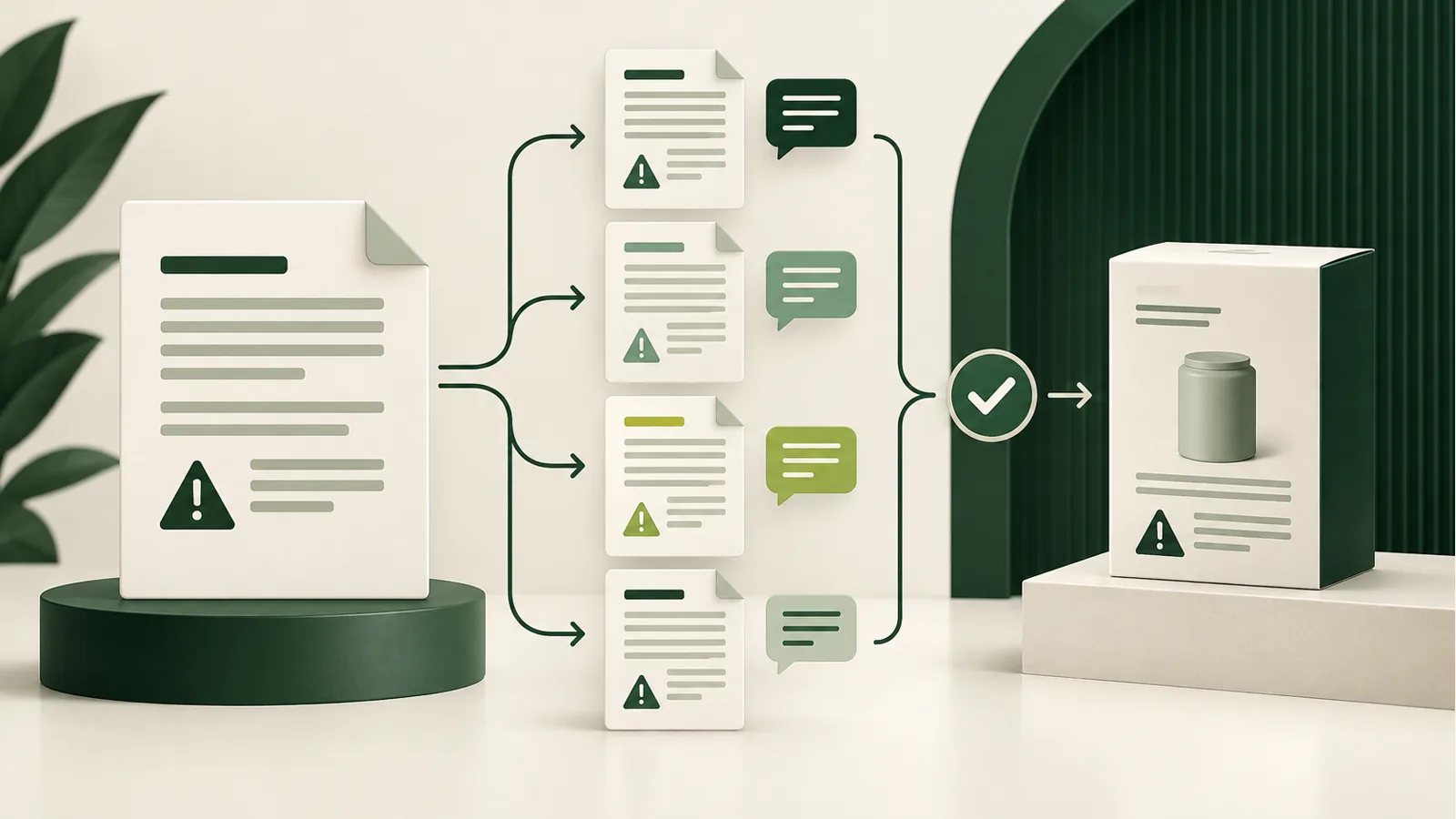
Connect the product family, company role and evidenced technical route. Distinguish established scope, missing evidence and issues requiring a specialist before treating documents as ready for the next stage.
What you gain
Retain an assessment of scope and documentation route, with evidence references and a history of earlier conclusions for the product version.
When this module helps in daily work
Before collecting documents, establish the product, its intended use and the stated technical route. A folder of declarations does not answer those questions by itself. The module organises qualification inputs and their basis so review begins with the product rather than attachment counts.
This also helps when a supplier issues revised documentation or changes declared performance. Return to earlier inputs and examine the new material deliberately. Questions needing a specialist remain distinct from facts that an available document can substantiate.
What to prepare
- Product and construction-product family
- Technical route and company role
- Performance evidence and documented exemptions
How the workflow works
-
Identify the product
Select the product and record its CPR qualification information. A scope exclusion needs an evidence reference, not just a checked box. Prepare product identification and intended use. A claimed exclusion needs a basis applicable to the particular case.
-
Identify the route
Record the relevant technical route and the basis for choosing it. Add available performance-assessment evidence and information that still needs review. Compare the selected technical route with manufacturer material. A similar document title alone is not a sufficient reason to select it.
-
Retain the review
Run the assessment and inspect its saved inputs. Return to an earlier result after documentation or product classification changes. Review the inputs and outcome with the documentation owner. Identify questions requiring further assessment before using a declaration.
What you retain after the workflow
- A saved CPR scope and documentation-route record.
- Performance evidence and qualification references.
- Assessment history connected to the product version and manufacturer material.
At the next review, start with the saved version and check whether new information changes earlier findings.
Fictional example
Reviewing a construction component
For a Terra component, organise the stated technical route and manufacturer material. The result keeps unresolved questions visible rather than treating the presence of a file as confirmation that requirements have been met.
Official sources for further reading
Choose a plan for your workflow
Compare the module scope and available platform plans.
View plans