Working with your product
PPWR: describe packaging once and reuse the saved configuration
Bring packaging materials, components and weights into one configuration. Compare supplier information with your own description and identify the evidence needed for assessment and packaging documentation, without rebuilding the same spreadsheet for each change.
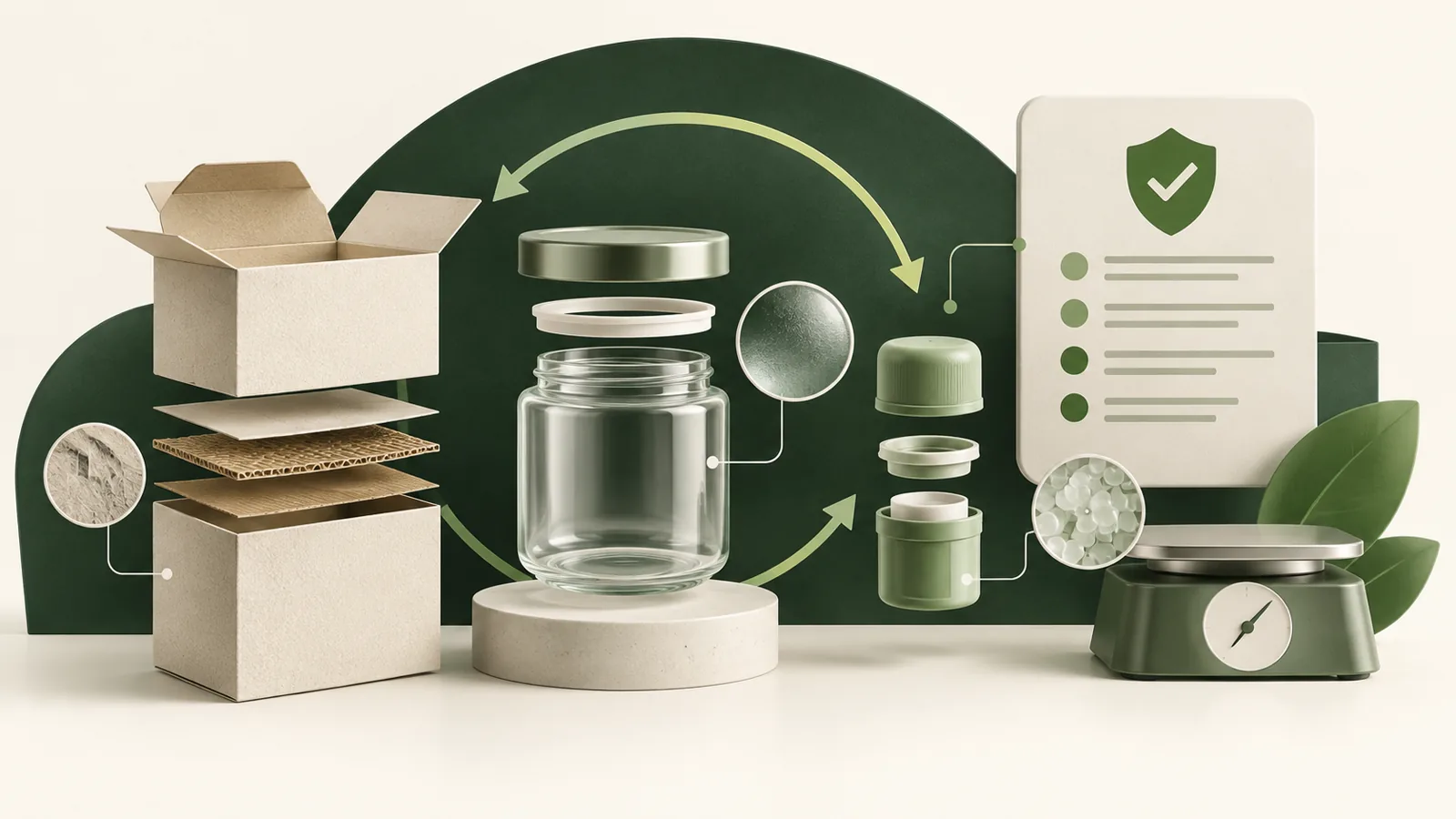
What you gain
You retain a versioned packaging configuration and an organised basis for assessment and the relevant controlled document workflow.
When this module helps in daily work
One packaging set may contain a carton, insert, bag and transport protection. A supplier total for the whole set does not explain which element changed later. Breaking it into components makes supplier questions more precise and the collected information more comparable.
Start with one shipping configuration and revisit it when a material or supplier changes. The saved configuration provides a reference for documentation; it does not replace the specification or verification of externally supplied values.
What to prepare
- Packaging components and materials
- Weights and component functions
- Supplier evidence and configuration information
How the workflow works
-
Break down the packaging
Add components and select materials from the available library. Verify suggested values against the actual supplier specification. Identify each component function and measurement unit. Keep product weight separate from packaging weight, and individual component values separate from the complete set.
-
Review the information
Complete the configuration properties and inspect the result. Keep missing evidence visible rather than replacing it with a default declaration. Review differences between measurements and the specification. Missing material properties need clarification rather than a value copied from similar packaging.
-
Retain a version
Save the configuration used for documentation. A material change can be recorded separately from earlier decisions and files. Before reusing the information, check that the configuration version describes the set being purchased. A changed insert should not disappear behind an unchanged file name.
What you retain after the workflow
- A saved configuration with distinct components and materials.
- Organised weight values and supporting evidence references.
- A configuration version that provides a basis for documentation work.
At the next review, start with the saved version and check whether new information changes earlier findings.
Fictional example
Carton, insert and film
For a Terra set, record the transport carton, insert and film separately. When the insert changes, compare the new configuration with the previous record instead of recreating the entire component list.
Follow the step-by-step example: Thermal bottle →Official sources for further reading
Choose a plan for your workflow
Compare the module scope and available platform plans.
View plans