Working with your product
DPP / ESPR: prepare a consistent product information profile
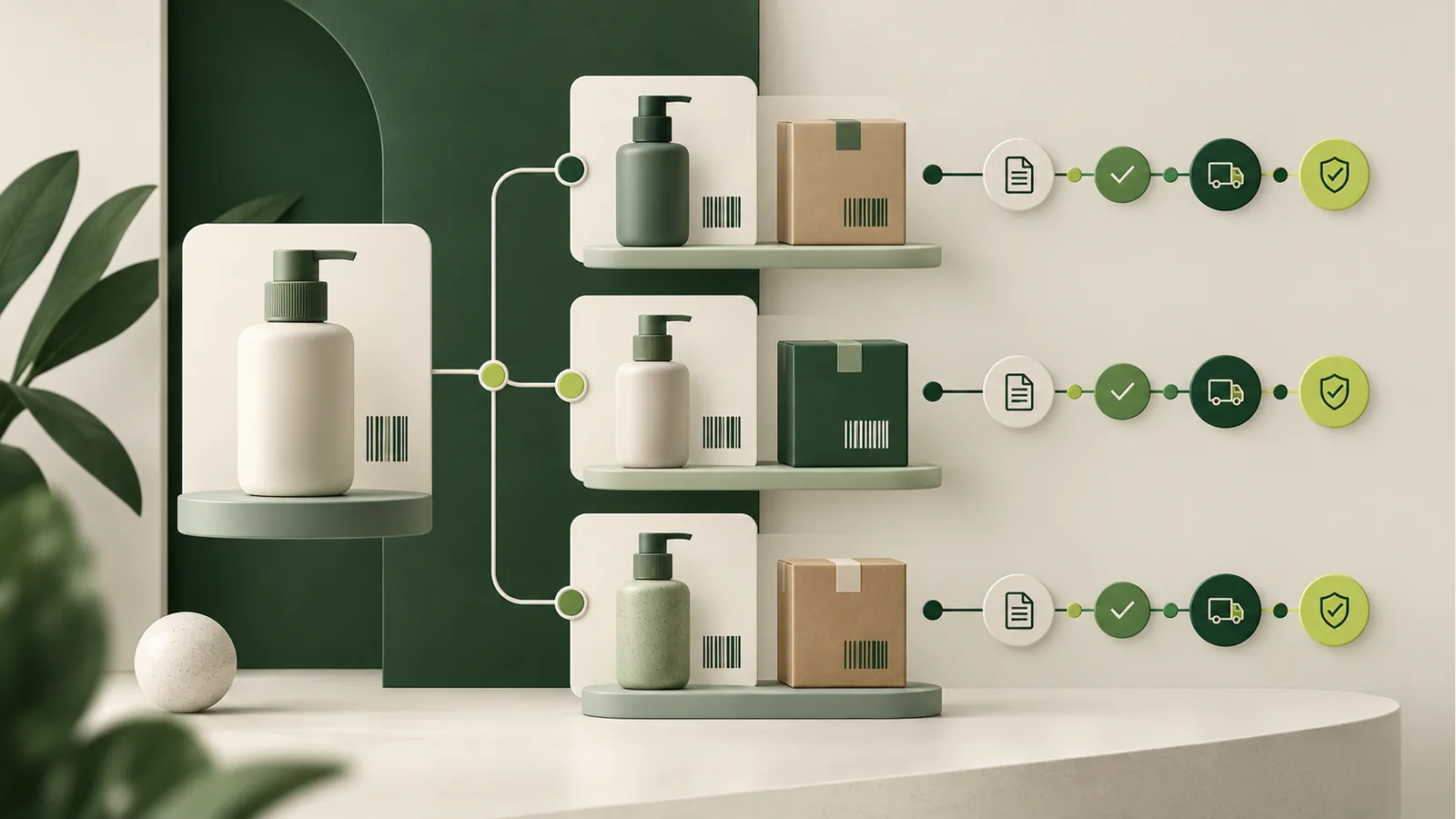
Connect product identification with information that needs disclosure or further review. Rather than treating a passport as a disconnected file, work with a versioned profile, its content and a controlled preview linked to the catalogue product.
What you gain
You obtain an organised passport profile and version history that can be reviewed before a separate publication step.
When this module helps in daily work
Preparing a profile starts by separating known facts from information whose provenance still needs confirmation. Model identification, material descriptions and document references must concern the same product. Only then does the preview present a coherent information set rather than unrelated attachments.
This supports handover between the product owner and the team preparing information for disclosure. Review the saved version before a separate publication decision, and assess supplier corrections against the particular fields and their sources.
What to prepare
- Product and saved profile
- Fields and information sources
- Profile version and disclosure scope
How the workflow works
-
Connect the product
Select the catalogue product and relevant profile. Check that the information describes the same product family and version. Compare profile identification and version with the catalogue record. A product-family description may not substantiate information for a particular variant.
-
Build the content
Complete fields and identify their sources. Open the preview to inspect the result before deciding whether to make it available. Check the source and meaning of completed fields. Read disclosure content from the perspective of someone unfamiliar with internal abbreviations.
-
Review the version
Retain earlier versions and separate draft work from publication. Permissions and required decisions remain part of the workflow. Inspect the preview and content scope before proceeding. Saving a draft and deciding to make it available are separate actions.
What you retain after the workflow
- A profile connected to the product and selected information scope.
- A content preview to inspect before disclosure.
- Version history distinguishing earlier information from later changes.
At the next review, start with the saved version and check whether new information changes earlier findings.
Fictional example
One product-family profile
Organise Terra model identification and material information within a profile. When the supplier corrects a fact, prepare another version while keeping the earlier information available for review and comparison.
Official sources for further reading
Choose a plan for your workflow
Compare the module scope and available platform plans.
View plans